
Chat Embed Tutorial
This guide embeds Octocom chat inline inside a page on a Shopify store, as a section you place in the theme, rather than as a floating launcher in the corner. For the floating launcher, use the Chat Widget Tutorial instead.
As with the widget, there are two required steps: add the section in your theme, then whitelist your storefront domain in the Octocom dashboard.
Before you start
This only works on Shopify-hosted storefronts
App sections are rendered by your Shopify theme, so they only appear on pages Shopify renders. If your storefront is a headless / custom build (Hydrogen, Next.js, or any site that uses Shopify only for checkout or order data), the theme editor has no effect on it — see Launch Chat Widget for the script tag approach.
1. Add the chat embed section
-
Navigate to your Shopify store's admin page.
-
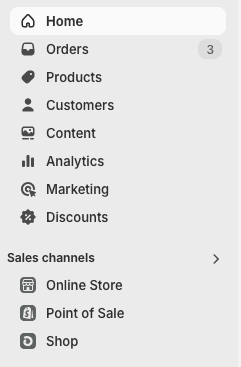
Under "Sales channels" click "Online store".
-
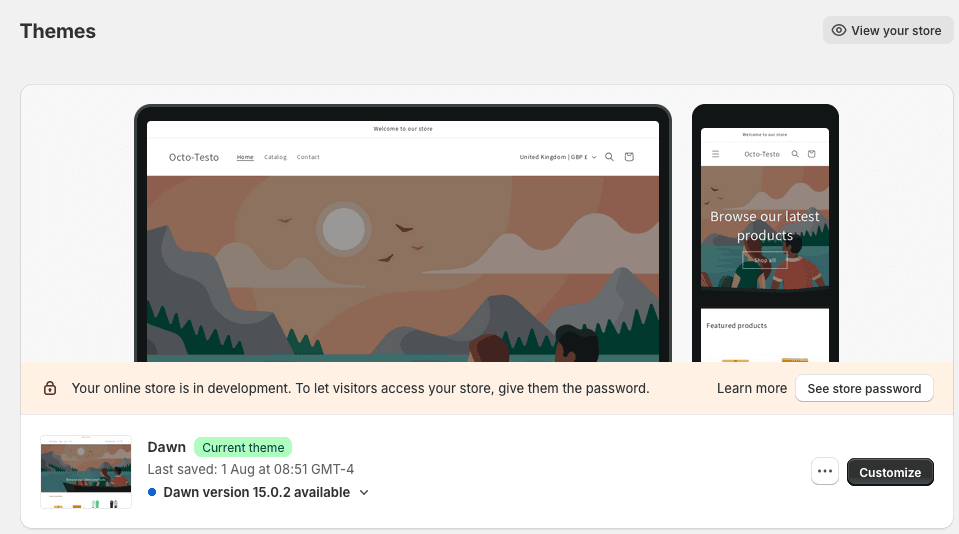
Select the theme you'd like to add the widget to, then click "Customize".
-
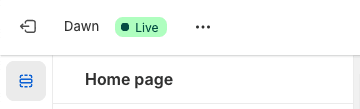
Navigate to the page you want the chat to appear on, then in the left sidebar click "App sections".
-
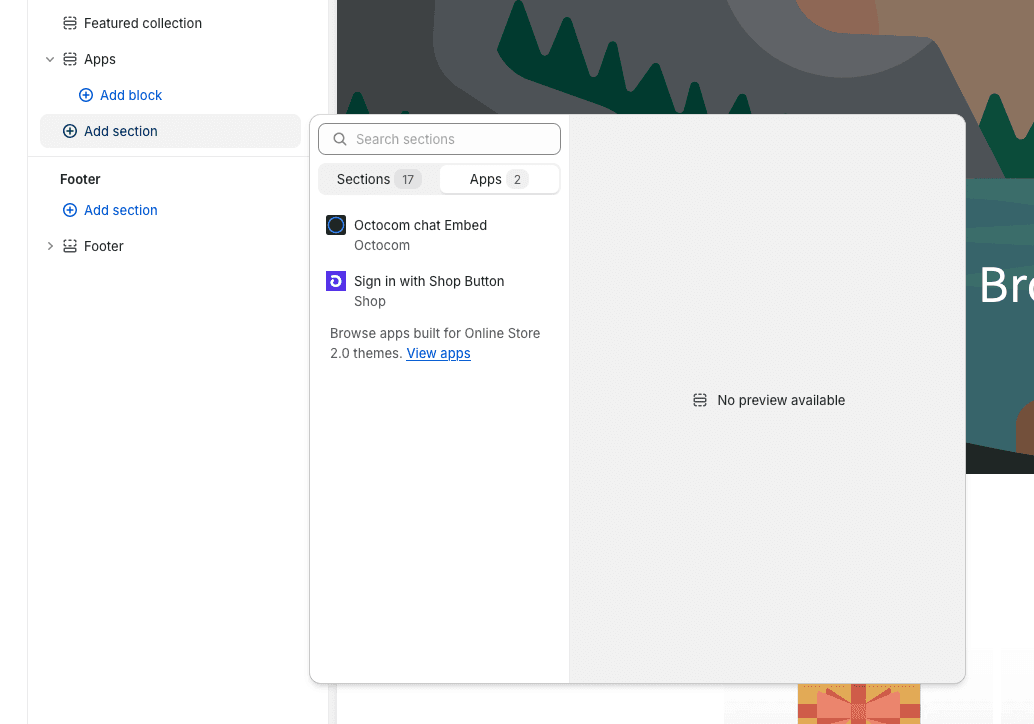
Add the chat embed section, and drag it to the position you want on the page.
-
Save your theme.
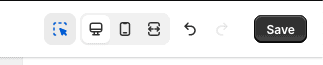
The section has its own width, height, and padding settings for desktop and mobile, which you can adjust in the theme editor after adding it.
Octocom isn't listed under App sections
The section only appears once the Octocom app is installed on that specific store and enabled for it. If you run several Shopify stores, each one needs this separately — contact your account manager and they can enable it for all of your stores at once.
2. Whitelist your storefront domain
The embed will stay blank on any domain you haven't explicitly allowed.
- Go to the Octocom Dashboard.
- Navigate to Settings → Channels → Web Chat → Deployment.
- Add the domain your customers actually visit — the storefront domain shown in the browser address bar (for example
example.com), not yourexample.myshopify.comadmin domain. - Enable deployment using the toggle, and click Save.
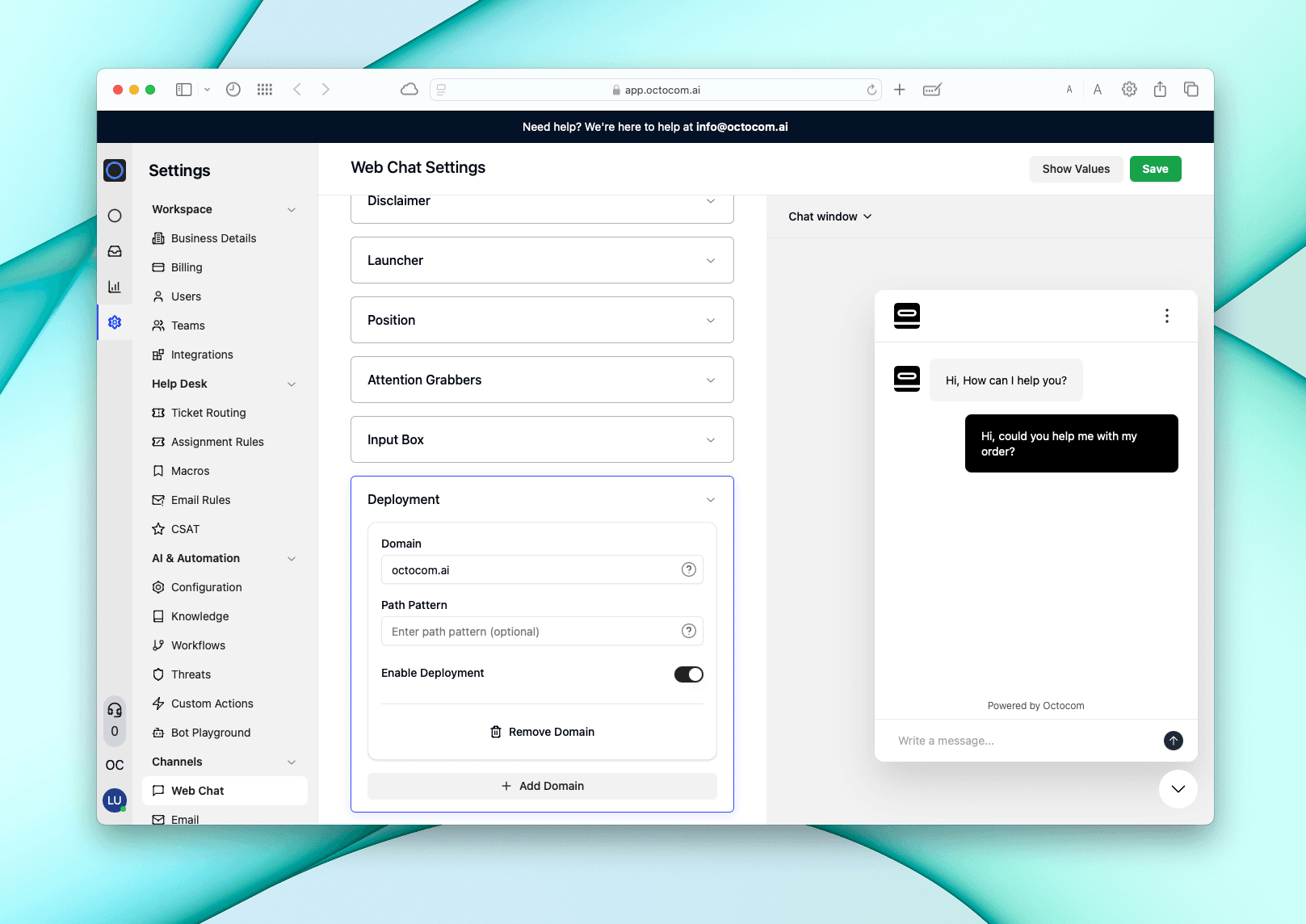
Each hostname needs its own entry
Domains are matched by exact hostname. example.com and us.example.com are
different hostnames and both need listing; www.example.com and example.com
are treated as the same. Locale paths on one hostname (example.com/us/,
example.com/nl/) are covered by that single entry.
Related
- Chat Widget Tutorial — floating chat launcher, including full troubleshooting steps
- Launch Chat Widget — script tag setup for custom and non-Shopify storefronts